Create & edit a scene
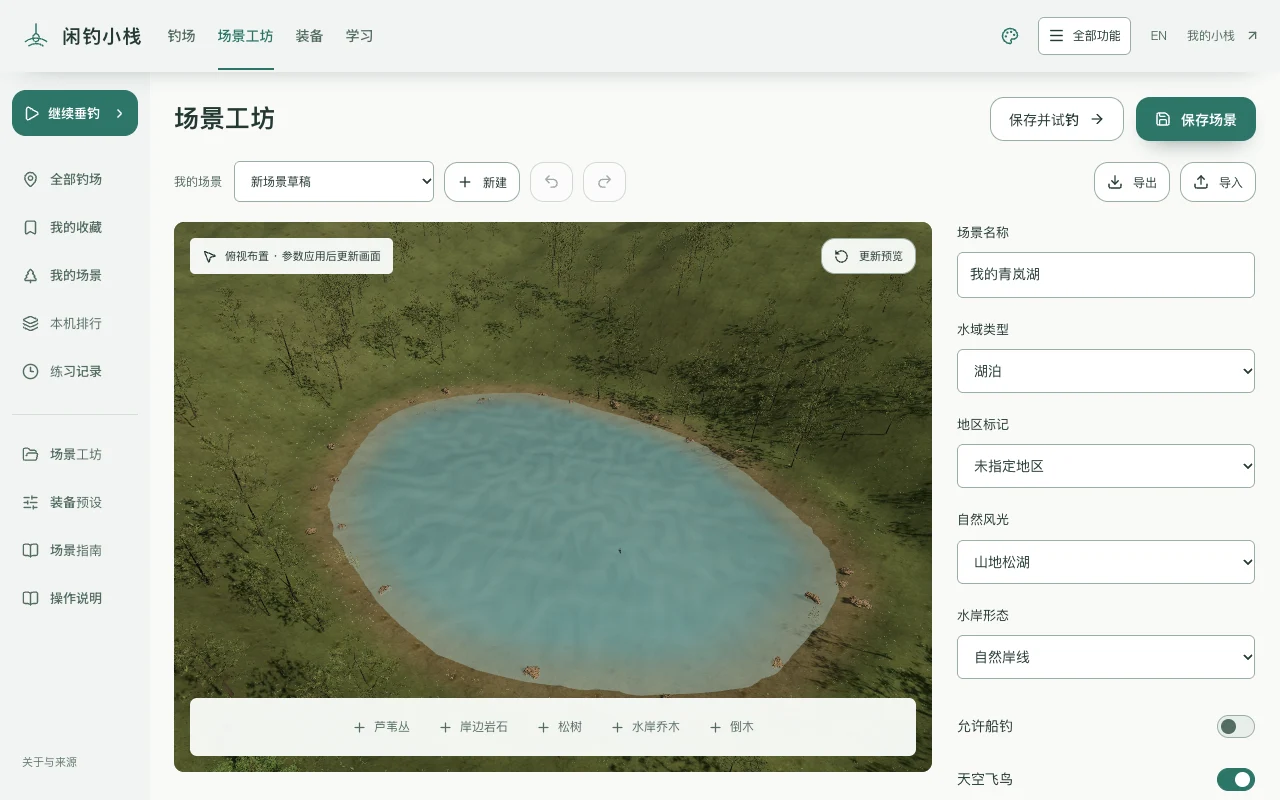
- Choose an object below the view, then click the ground. Edit its position, rotation and scale at right. Undo and redo keep the last 25 edits.
- Update preview to inspect changes, then save into My scenes. Save & try saves the scene before entering it.
 Open full image