Save, resume & back up
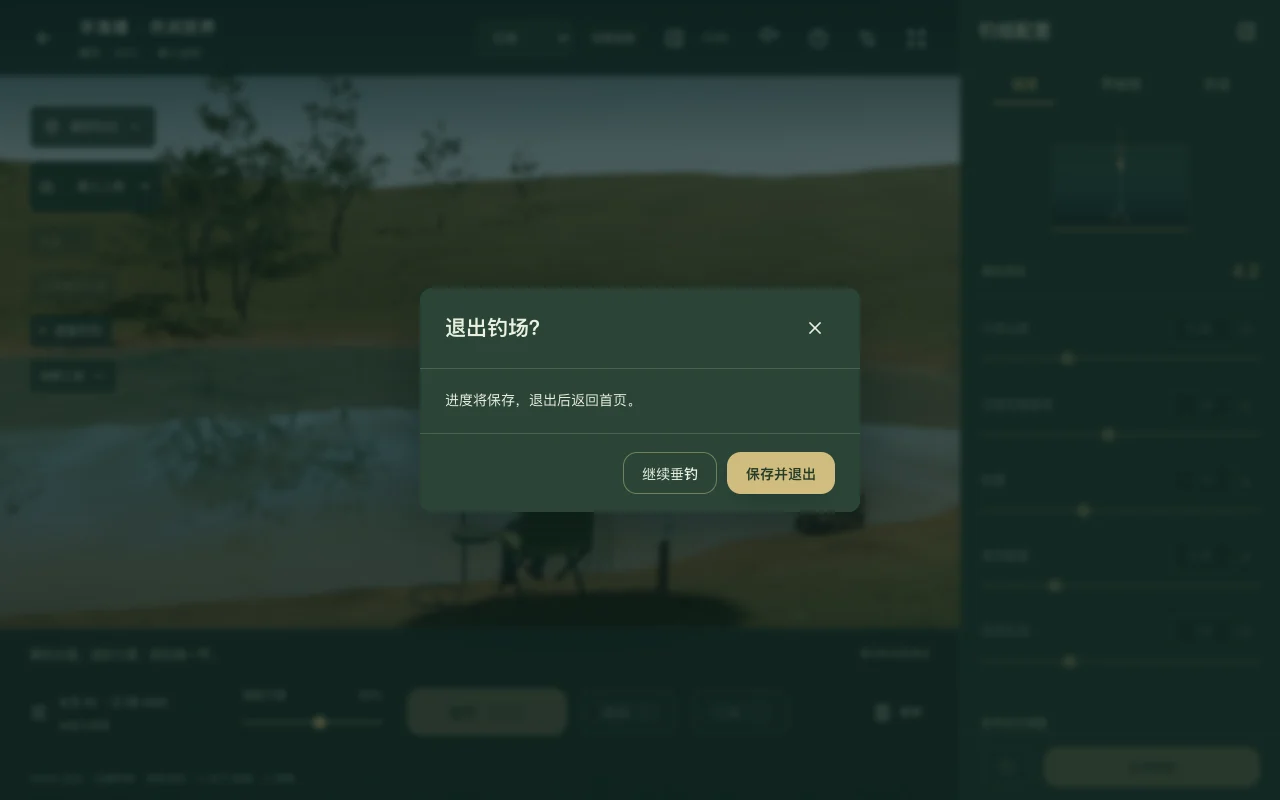
- Use the top-left exit button, then Save & exit to save progress and return home. Continue resumes the same session. Autosave runs every 10 seconds; closing directly can lose the latest moments.
- To finish a practice, open Controls → Practice feedback → Finish & review. Controls also lets you save and open the issue feedback form.
- Your data stays in this browser. Export a full backup in My space before clearing site data. Covers are derived cache and are not backed up.
 Open full image